Start from the official WKB channel
Telegram is the current entry point into the WKB community and mining experience. Always begin from a link published on the official WKB website or an official WKB channel. Lookalike names and forwarded links are not a reliable way to verify a destination.
Once inside, read the welcome instructions before taking action. Product notices and availability updates should be checked against official posts.
Keep the routine straightforward
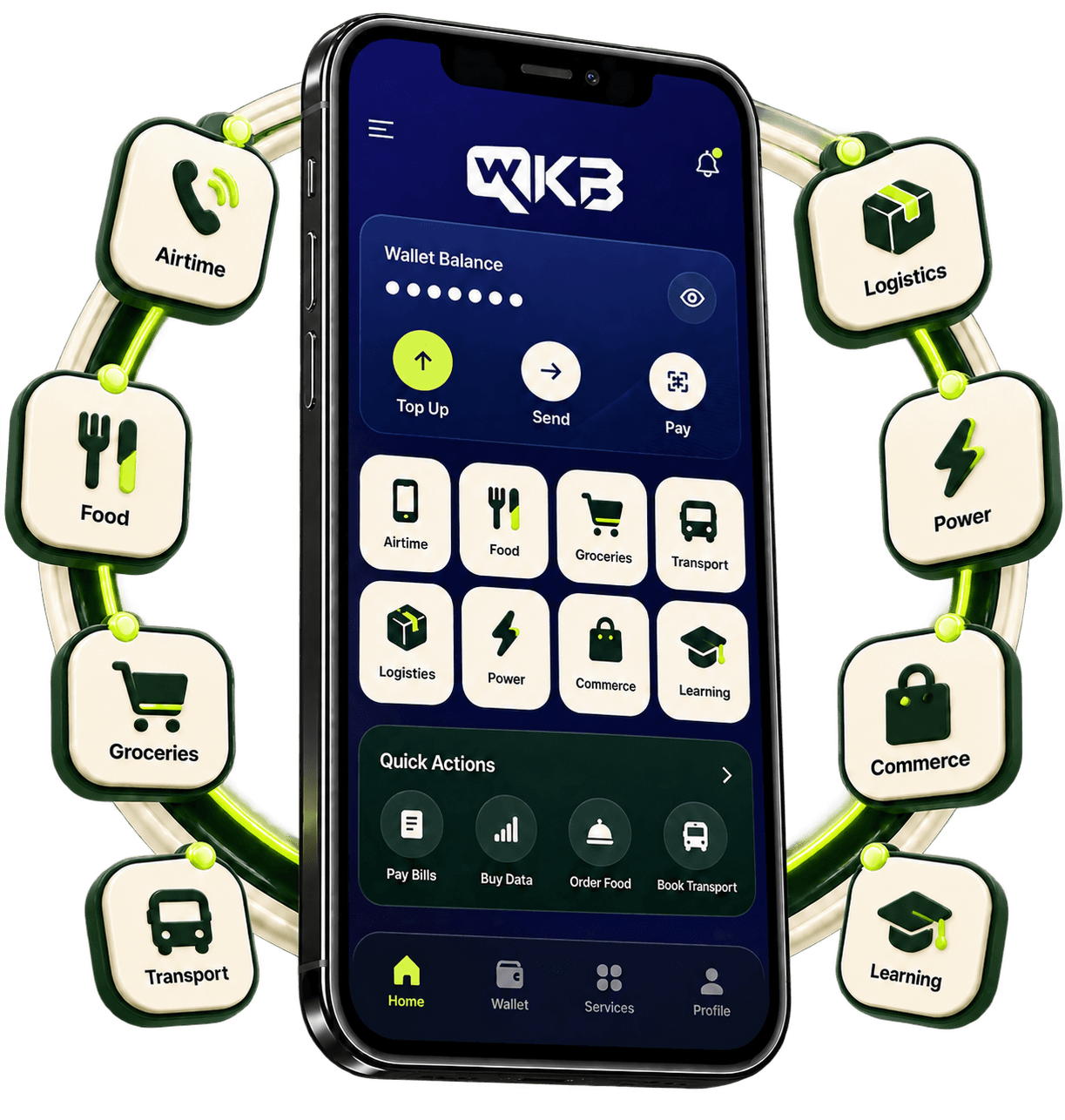
The Telegram experience is designed to introduce people to WKB before the wider mobile ecosystem becomes available. Follow the prompts shown in the official experience and return there for accurate status information.
- Use one verified Telegram account
- Review prompts before confirming an action
- Keep the Telegram app updated
- Check official WKB notices for service changes
Protect your account
WKB support should never ask for your Telegram password, private keys or recovery phrases. Do not share login codes with anyone. Turn on Telegram two-step verification and use a unique password for the email connected to your account.
If a message creates pressure or asks you to act through an unfamiliar link, pause and verify it through the main WKB website.